For property managers
You run the buildings you have been given and nothing else. The manager's account is scoped to those buildings before a screen is drawn, so what you see is what you are responsible for — and the owner does not have to trust an interface to keep it that way.
Your first day
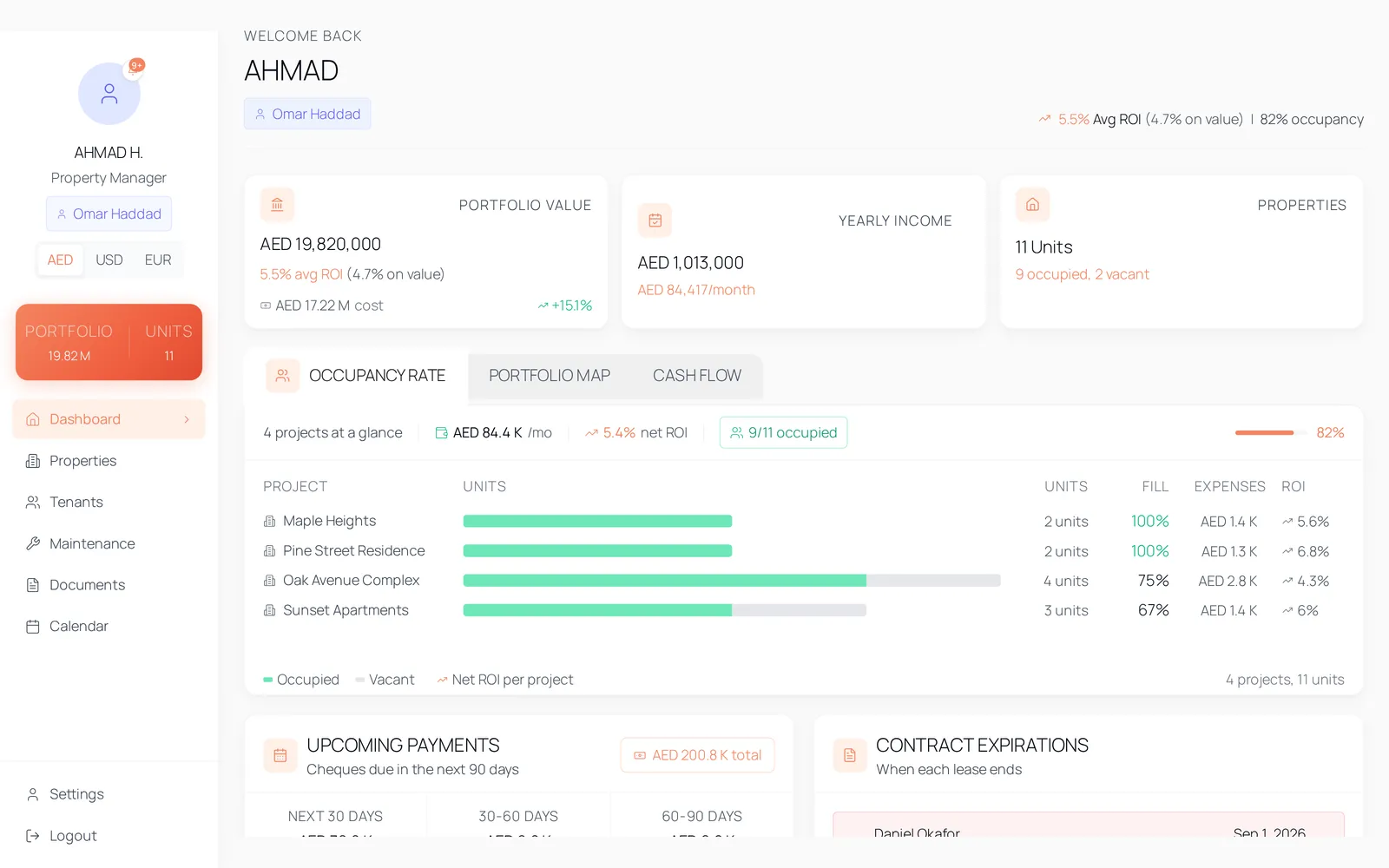
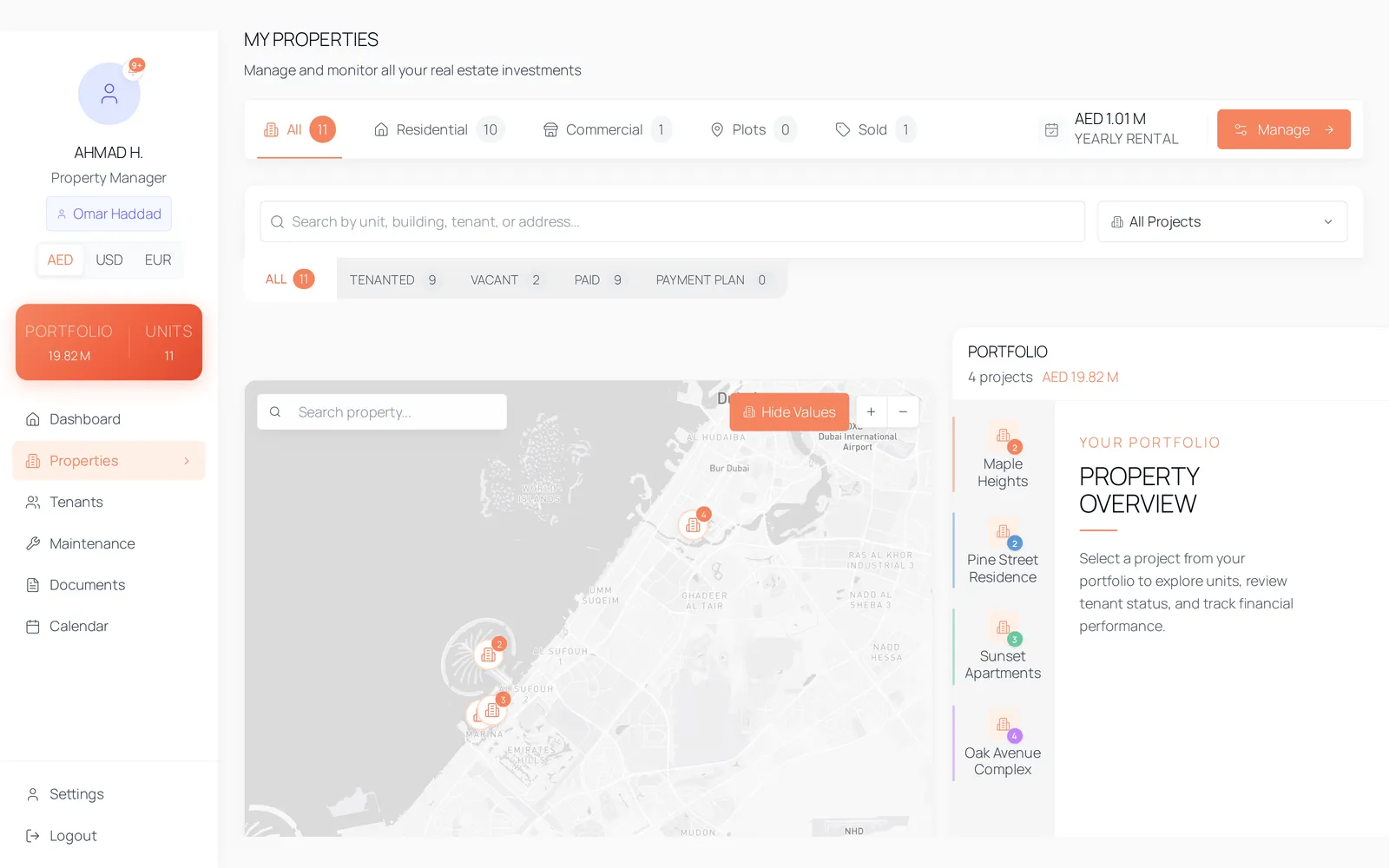
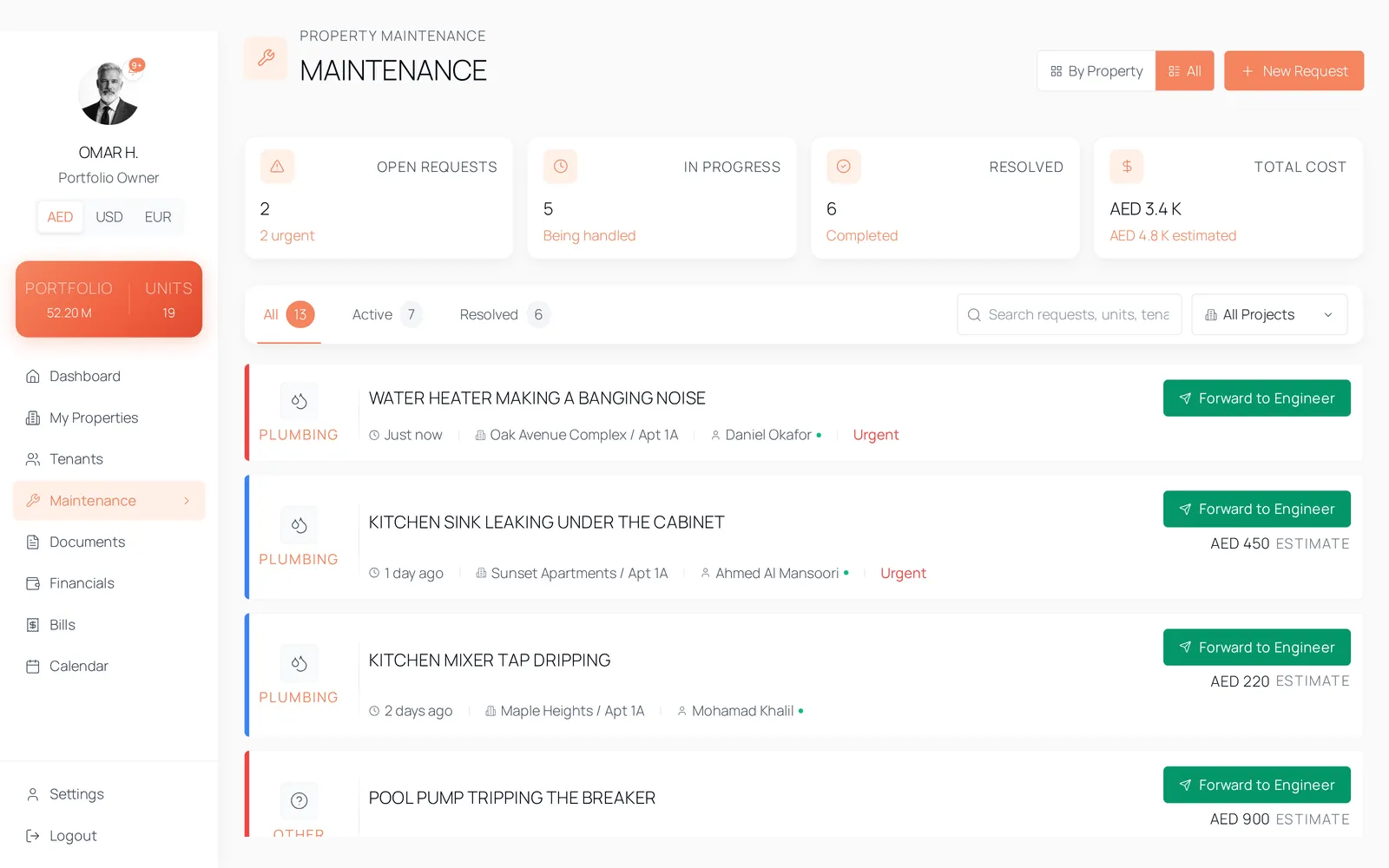
The three screens this account opens on, captured from the product.
What you can and cannot do
You can
- Work across the buildings assigned to you: dashboard, properties, tenants, maintenance, documents and the calendar.
- Onboard a tenant, generate the contract, and sign it on the lessor's behalf where you have been given that.
- Build and correct a cheque schedule, and move a cheque from pending to deposited to cleared.
- Record utility bills and service charge periods on your buildings, and settle them.
- Raise, assign and resolve maintenance requests, and send one to an engineer by WhatsApp or email.
- Review a tenant's move-out request, run the inspection and record the deductions.
- Read the contract addendum clauses, email templates and trigger events the owner has configured.
You cannot
- See a building you have not been assigned. Assignment is applied to the data, and an account with no assignment sees nothing at all.
- Open Financials or Bills — neither is in the manager's navigation.
- Delete a service charge period or a utility bill. Deleting destroys a paid-period record, so it stays with owners; a refused delete is reported rather than passing silently.
- Change settings the owner owns. Addendum clauses, email templates and trigger events are readable and not writable from a manager account.
- Issue API keys or reach the platform's super-admin area.
Workflows you will use
Maintenance
From the tenant's photograph to the engineer's phone
Cheque tracking
Four cheques, four states, one schedule
Ejari and contracts
The contract, its signatures and its Ejari certificate
Move-out
The inspection, the deductions and the evidence
Tenant portal
What your tenant sees, on their own phone
Questions
The account carries its assigned buildings and the data is filtered against them before it reaches a screen, with row-level security in Postgres behind that. It is not a hidden menu item.
The same record, seen from elsewhere
One unit, one record, and three accounts looking at it. What each of them can reach is decided in the database rather than by which screen they were sent to.