The inspection, the deductions and the evidence
A move-out starts as a request, becomes an inspection recorded room by room with photographs, and ends in an itemised deduction sheet against the deposit and a report you can print.
Why deposit disputes are hard to win
- The damage was photographed on a phone and the phone belongs to somebody who has left.
- The deduction was a round number nobody can now break down.
- The tenant remembers the wall being like that when they moved in, and there is no record either way.
- The deposit was returned before the last utility bill came in.
How it works
The tenant asks, and you answer in the record
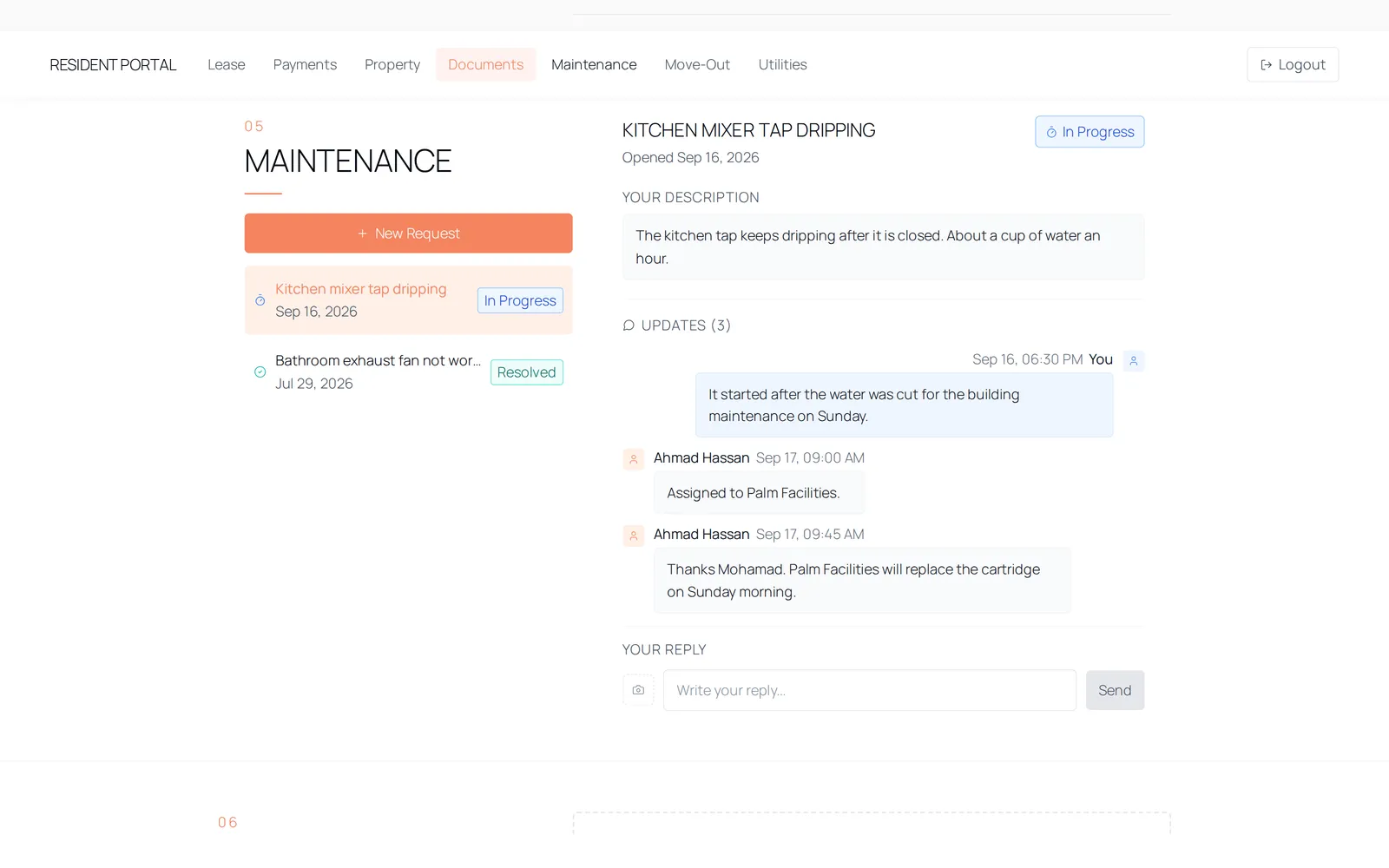
A tenant raises a move-out request from their portal — early, on time, or an extended stay — with the date they want and their reason in their own words. You approve or decline it with a note of your own, and the decision is stamped with who made it. The tenant sees it as under review, approved or declined.
The inspection is recorded room by room
Each item is logged against a room and marked good, fair or damaged, with notes and photographs attached to the item itself rather than to the file in general. The counts across rooms are totalled as you go, and the photographs are uploaded when the move-out is saved.
Deductions are itemised, not estimated
Each deduction is a line with a description, an amount and a note. Preset lines cover damage repairs, professional cleaning, key replacement and painting, and the outstanding utility recharge is offered as a line already itemised by bill. The refund is the deposit less the deductions, shown as an amount due back to the tenant or, where it is negative, an amount due from them.
Completing it closes the file
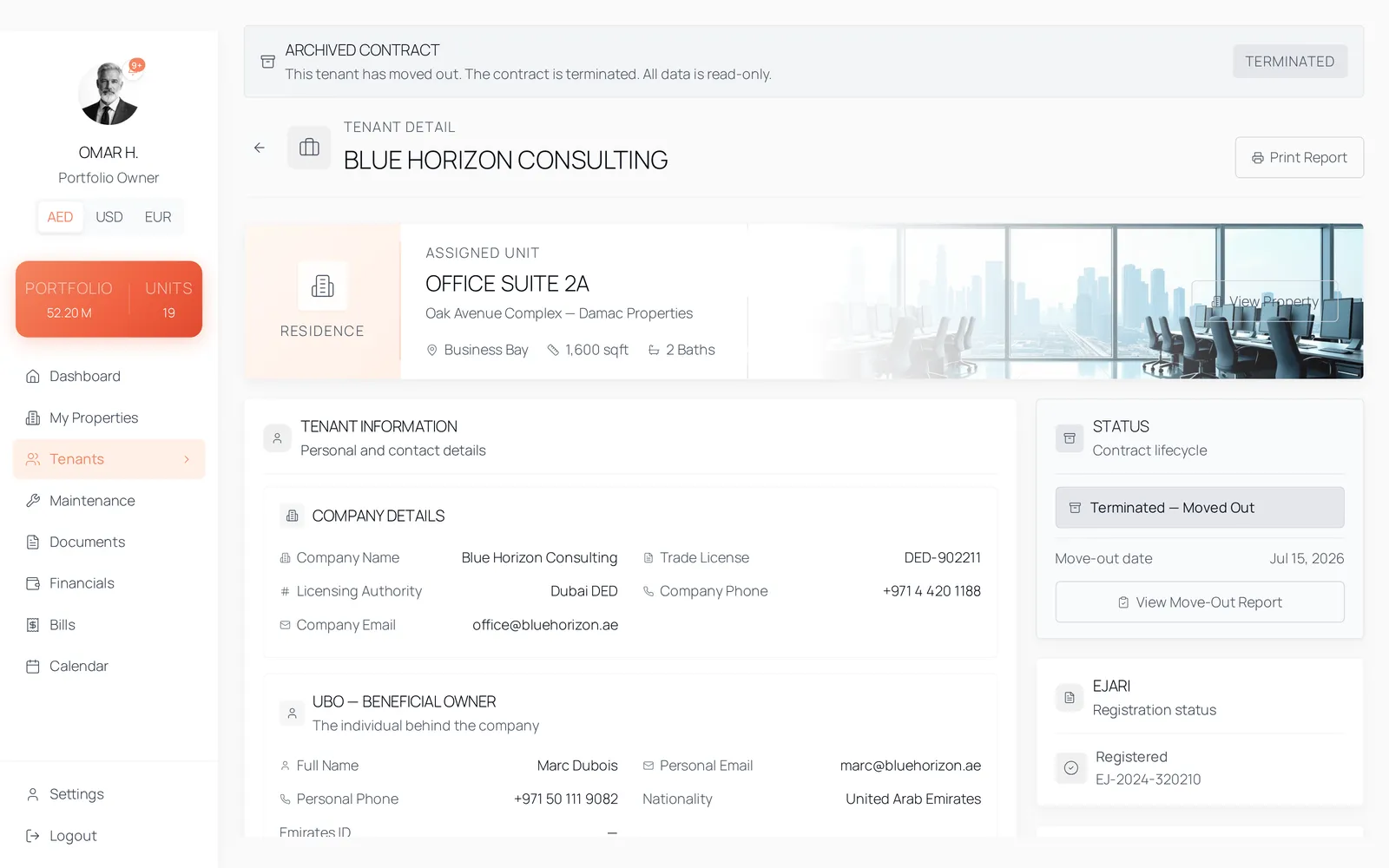
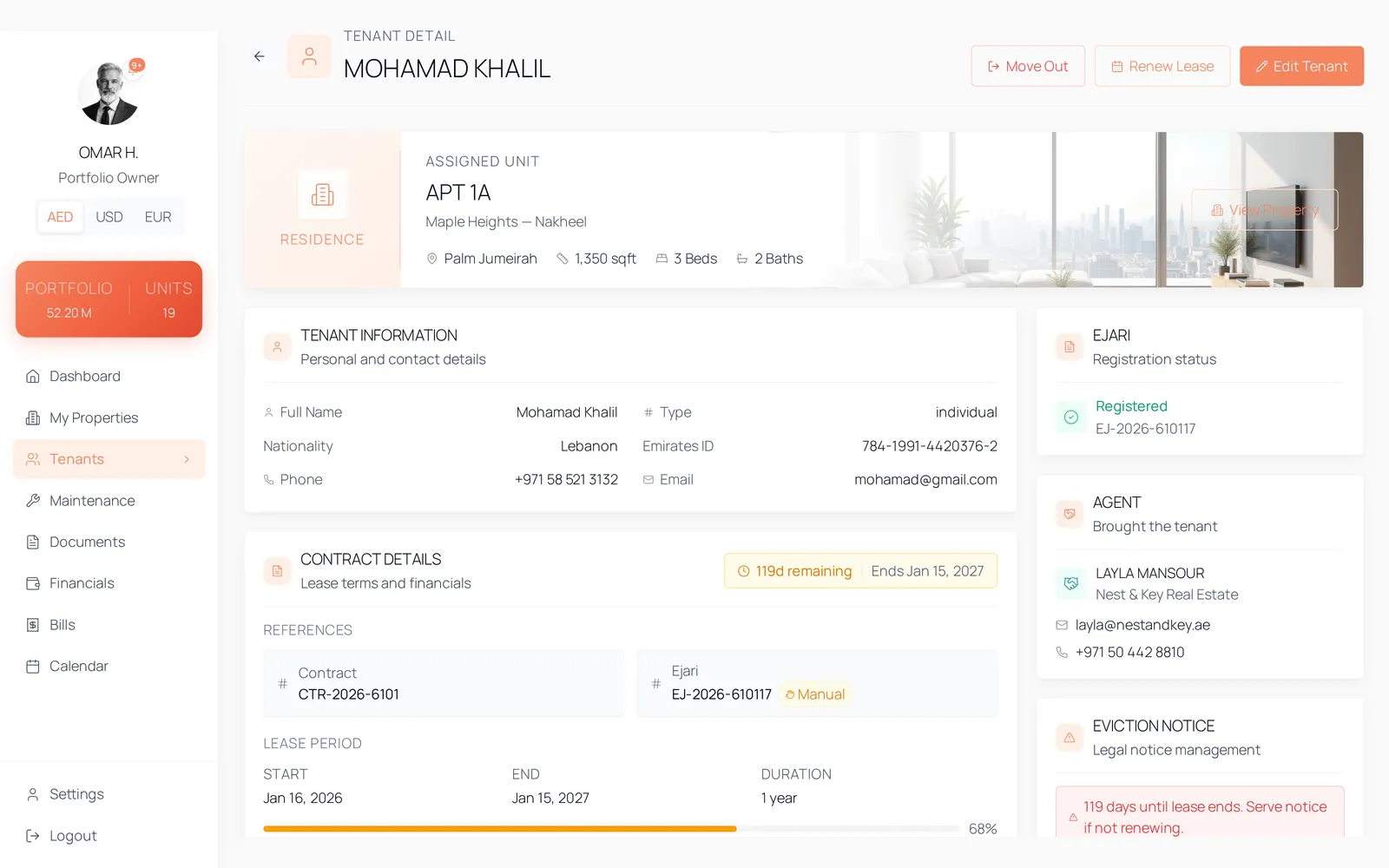
Saving the move-out writes the record, the inspections and the deductions, marks the contract terminated, and marks any utility recharges settled from the deposit with the date they were settled. The report is printable, showing the deposit, each deduction and the final figure.
The details
- Request types
- Early move-out, on-time move-out, or an extended stay past the lease end.
- Request status
- pending, approved, rejected — shown to the tenant as under review, approved or declined.
- Inspection
- Room name, item name, condition, notes and photographs per item. Condition is good, fair or damaged.
- Deductions
- Description, amount and note per line. Presets: damage repairs, professional cleaning, outstanding utilities, key replacement, painting.
- Settlement
- Refund is the security deposit less total deductions. A negative figure is presented as an amount due from the tenant.
- On completion
- The record and its inspections and deductions are written, the contract is marked terminated, and deducted utility recharges are stamped with their settlement date.
- The report
- A printable summary of the deposit, the itemised deductions and the final figure, kept with the unit.
- Checklist
- The rooms and items offered at inspection are configured in settings, so the sheet matches how your units are actually built.
Questions
No. The tenant submits the request and the review happens on the owner side. The tenant sees the outcome and the note that came with it.
See it with data in it
The demo opens instantly, in the role this workflow belongs to, on sample data. There is no account to create and no form in front of it.