The bills you paid, and who owes them back
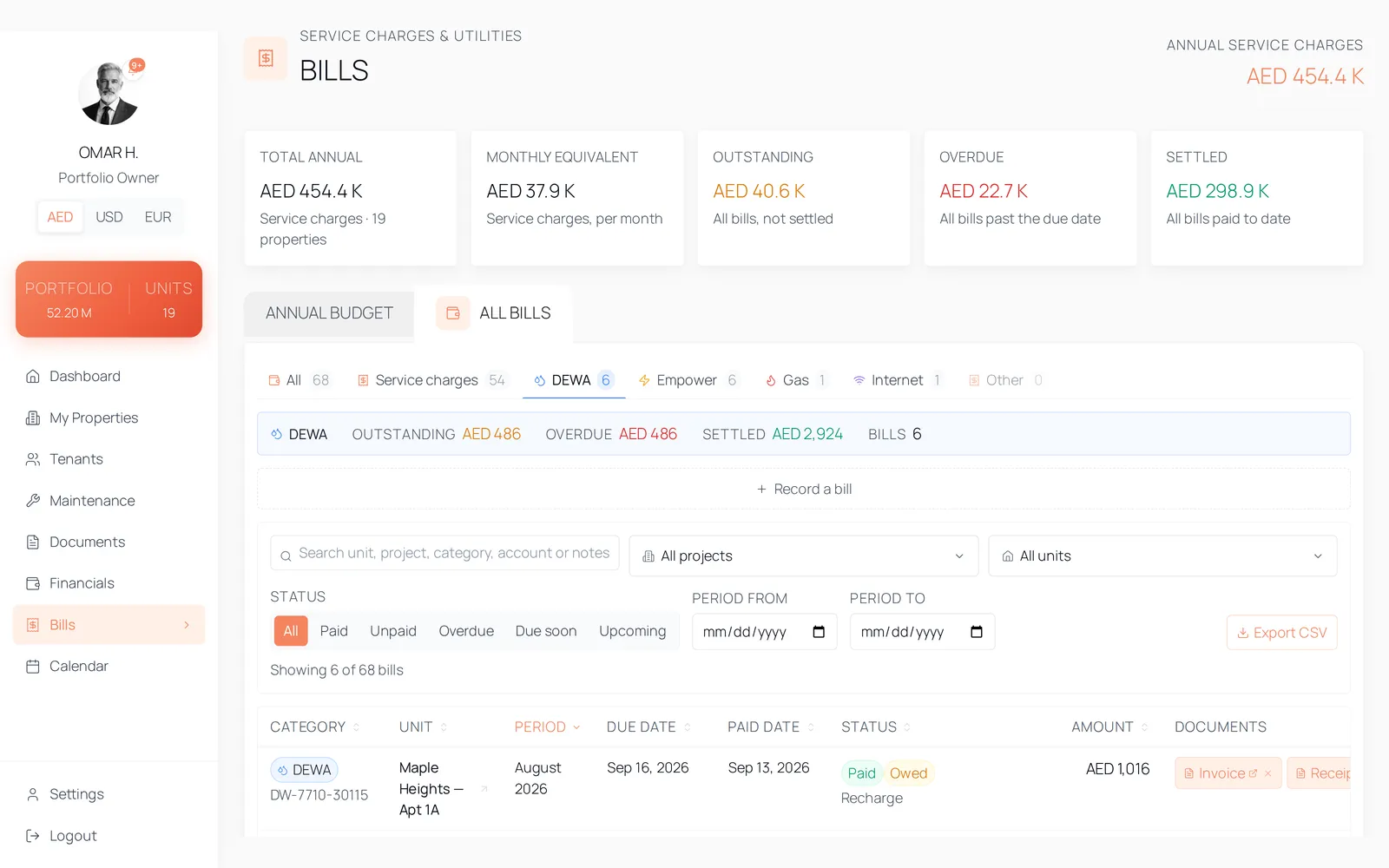
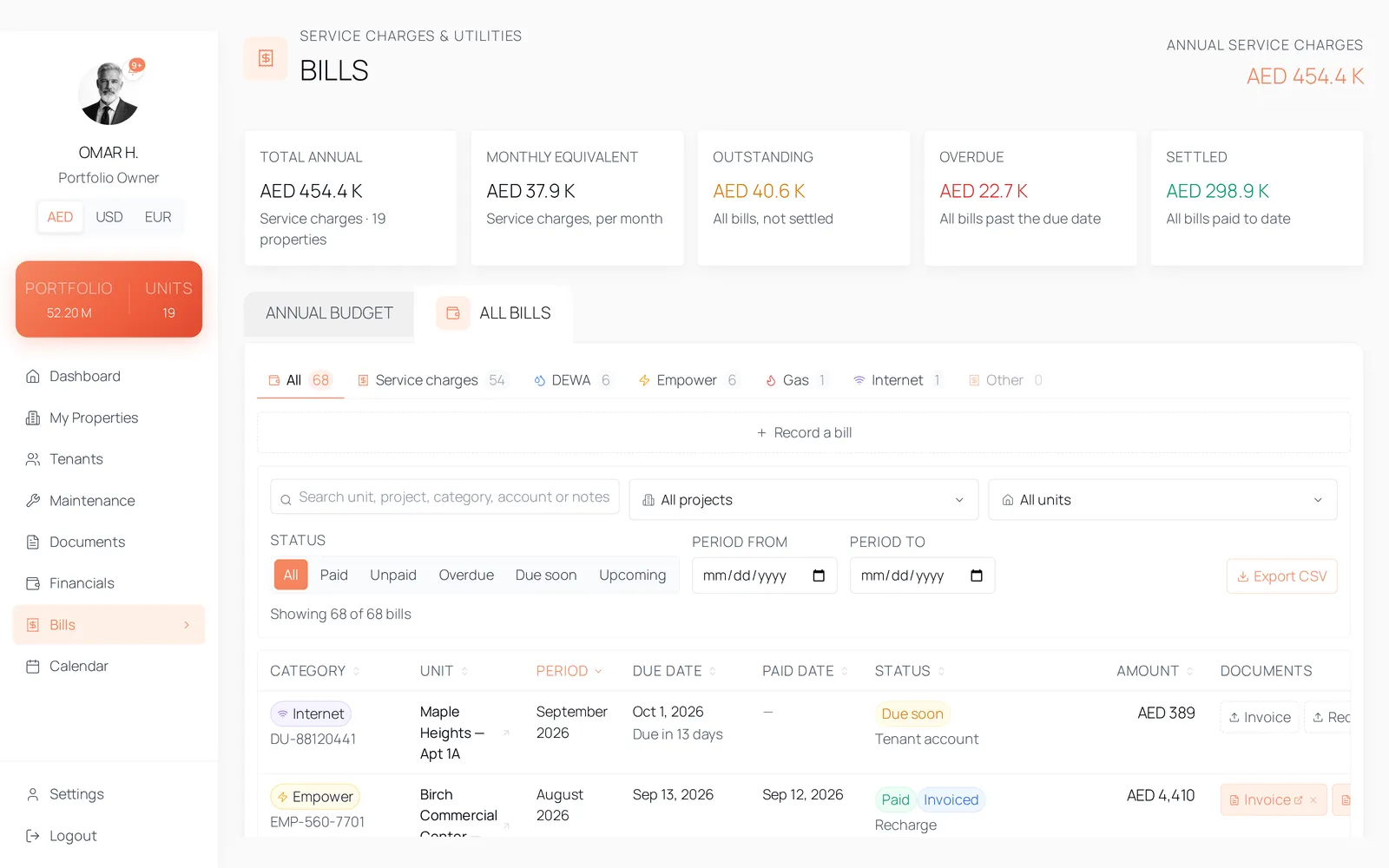
DEWA, Empower, gas and internet are recorded as billed periods on the unit, each with a payer. When you have paid a bill that belongs to the tenant, the recharge carries its own status — owed, invoiced, settled, or deducted from the deposit at move-out.
Why utility recharge goes uncollected
- You paid the DEWA bill during a void period and nobody wrote down whether the next tenant owes any of it.
- Three bills were invoiced to the tenant in March and you cannot tell from here which of them came back.
- The tenant moves out, the deposit is refunded in full, and the unpaid cooling bill surfaces a week later.
- The bills are spread across a provider portal, a bank statement and an inbox, and none of them knows which unit it belongs to.
How it works
A bill is a period on the unit
Each bill records its provider, account number, the period it covers, the amount, the due date and whether it is paid. The period is a real range with a label, so a bill belongs to a stretch of occupancy rather than to the month you happened to file it in.
The payer decides whether there is anything to recover
Three answers: the tenant's own account, you paid and will recharge the tenant, or you paid with no tenant to recharge. Only the middle one creates a debt, and a recharged bill must name the tenant it is billed to — the product refuses to record one that does not.
The recharge has a status of its own
Owed, invoiced, settled — and deducted from the deposit, which only the move-out flow sets. The bills sheet merges utility bills and service-charge periods into one sortable spreadsheet with a per-provider summary of what is outstanding, what is overdue and what has settled, and exports whatever you have filtered to CSV.
The tenant sees what they owe, and only that
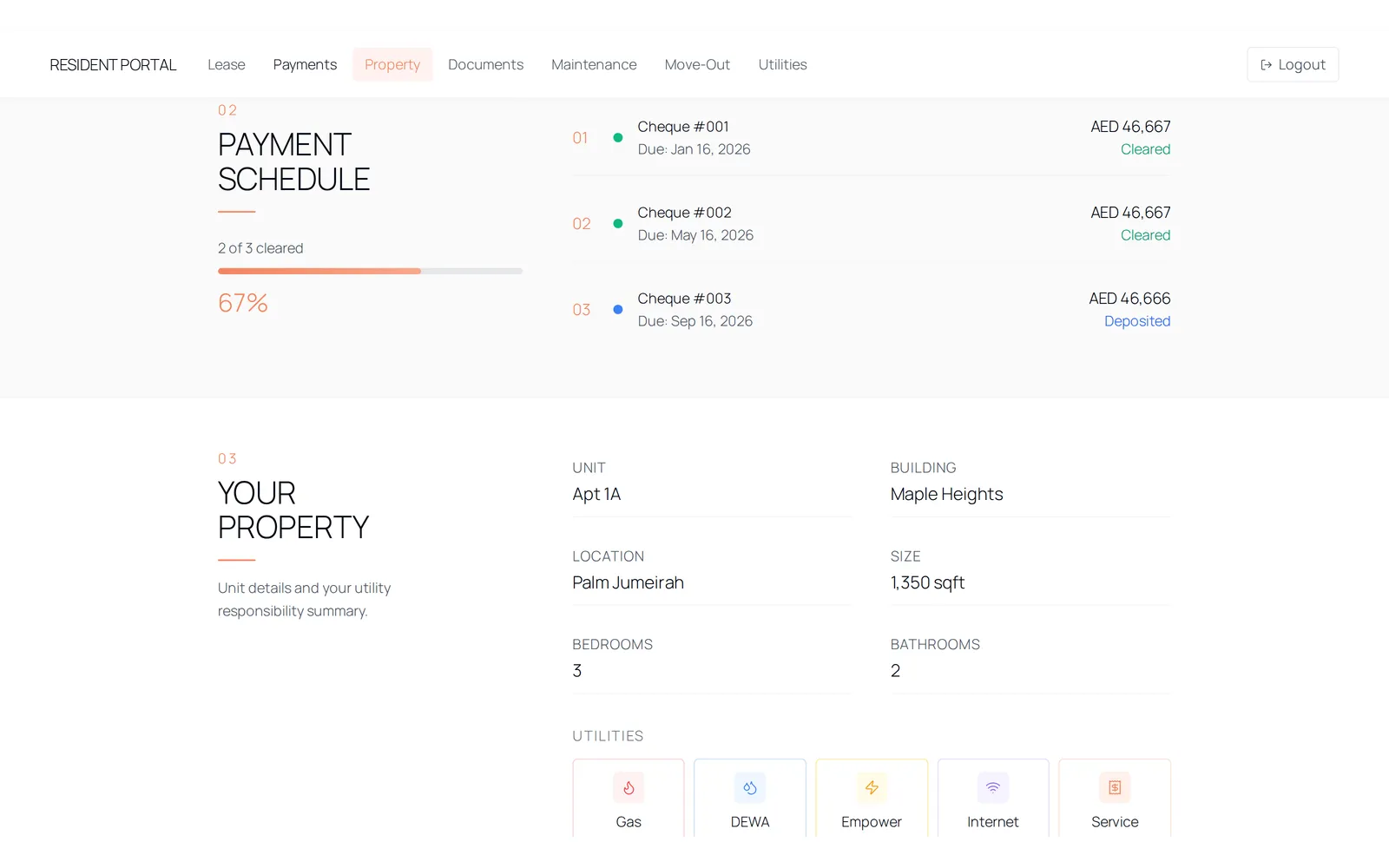
A Utilities tab appears in the tenant portal only when that tenant actually has recharge bills. They see the bills recharged to them and nothing else — not bills on their own account, not void-period bills, not a service charge. That boundary is a database policy, not a hidden menu item.
The details
- Providers
- dewa, empower, gas, internet, other — a database constraint, not a free-text field.
- Payer
- Tenant's own account, you paid and recharge the tenant, or you paid with no tenant to recharge.
- Recharge status
- Owed, invoiced, settled, deducted from deposit. The first three are set by hand; deducted is set only by a completed move-out.
- Bill status
- Derived, not stored: paid, overdue, due soon within thirty days, upcoming, or unpaid when there is no due date.
- Alerts
- Overdue bills, bills due on the 30, 15, 10, 5, 3, 2 and 1 day ladder, periods that ended without a bill, and a recharge you paid and still have not recovered thirty days later.
- Attachments
- An invoice and a receipt per bill, in private storage. A receipt may only exist on a bill marked paid.
- Export
- CSV of the rows on screen, filtered and sorted as you left them, with a UTF-8 byte-order mark so Excel opens it correctly.
- Deleting
- Managers can create and settle bills. Deleting one is restricted to owners in the database; a refused delete is reported rather than silently ignored.
Questions
No. The database policy grants a tenant select on bills where the payer is a recharge and the tenant is them. Bills on their own account, void-period bills and service charges are outside that policy entirely.
See it with data in it
The demo opens instantly, in the role this workflow belongs to, on sample data. There is no account to create and no form in front of it.