The contract, its signatures and its Ejari certificate
The tenancy contract is generated from the record, signed by lessor and tenant, and kept with the Ejari number and certificate on the same unit. A contract signed on paper elsewhere can be uploaded instead, and from then on the uploaded file is the contract.
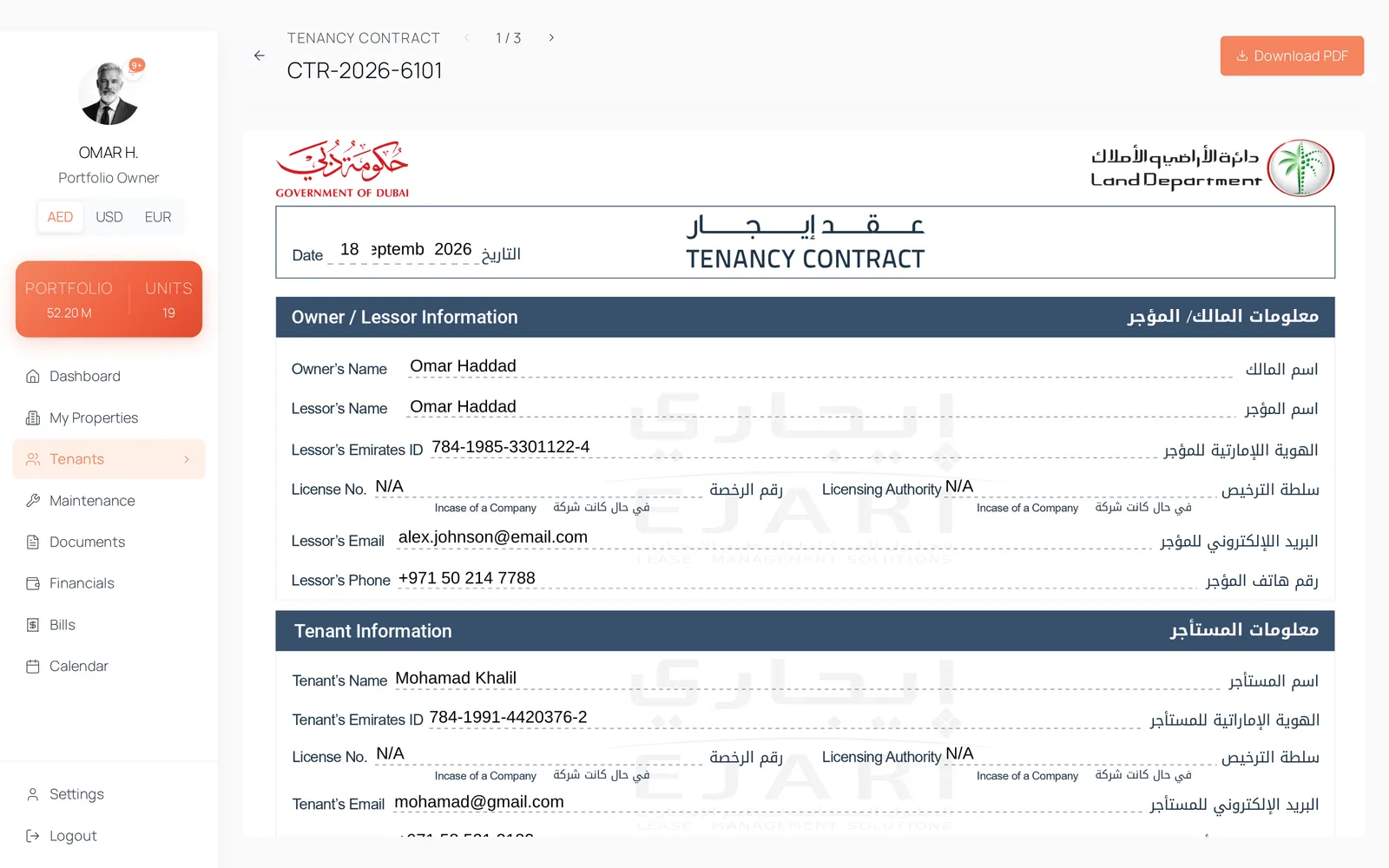
What a lease usually looks like six months in
- The signed contract is a photograph in a chat thread and the Ejari certificate is an attachment in an email.
- Somebody changed the rent in the record and the PDF everyone is working from still shows the old figure.
- The tenant signed the paper copy, and proving it means finding the person who has the paper copy.
- Renewal begins with retyping last year's contract from last year's contract.
How it works
The contract is rendered from the record
Onboarding ends in a generated tenancy contract: the parties, the unit, the lease dates, the rent, the deposit and the payment frequency come from the record rather than from a template somebody filled in by hand. Addendum clauses are configured once in settings and carried onto each contract.
Both signatures are captured in the product
The lessor signs on the contract preview with a drawn signature, and the tenant signs from their own portal on a phone. Each signature stamps its own timestamp, and the tenant's signature status moves from pending to signed. Placement on the page is calibrated once in settings, so signatures land where they belong on every contract afterwards.
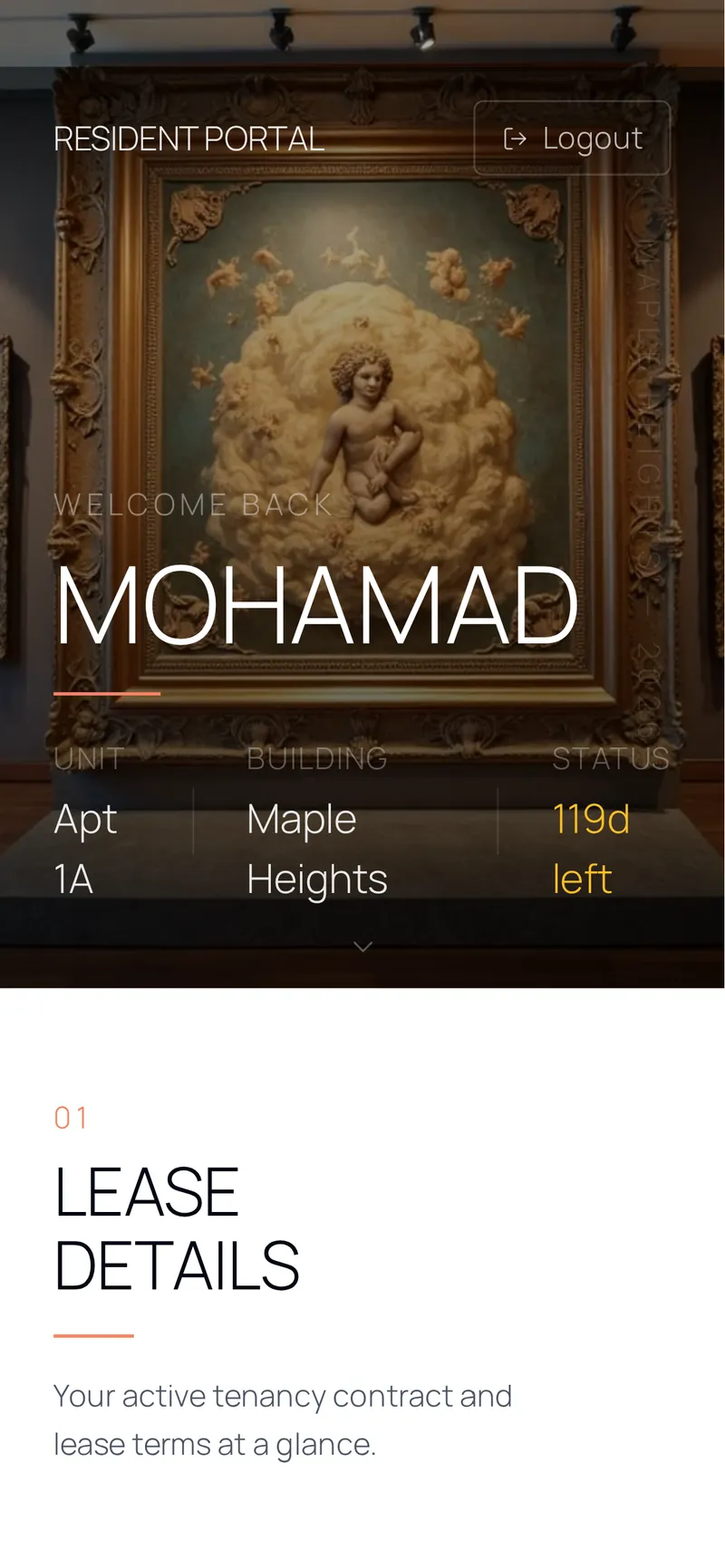
The Ejari certificate sits on the contract
Registration happens with the authority, outside this product. The certificate and the Ejari number are stored on the contract they belong to — uploaded, replaced or removed from the contract's own card, and opened through a signed link that expires. Removing the file deliberately leaves the number behind, because the number is the record and the file is a copy of it.
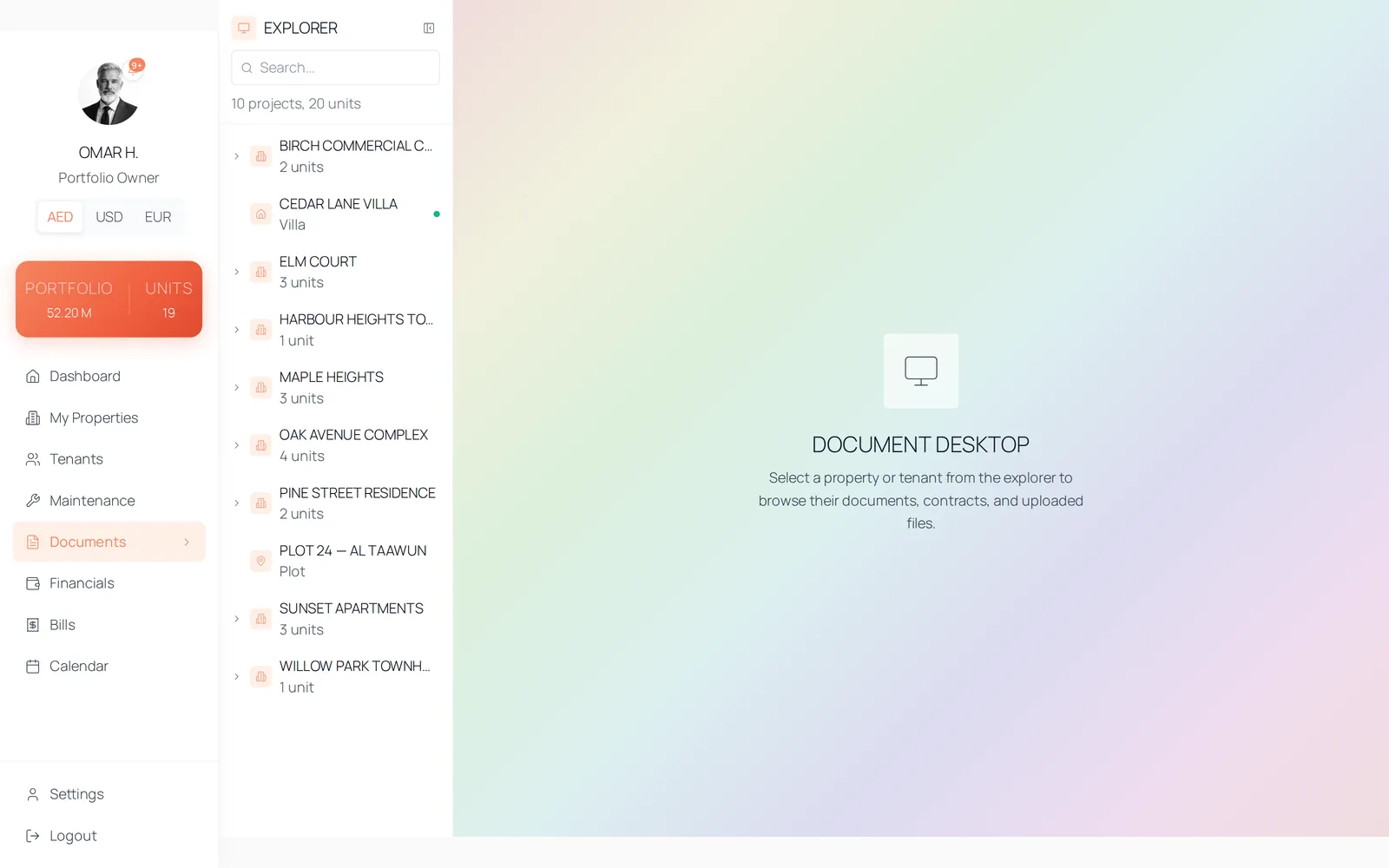
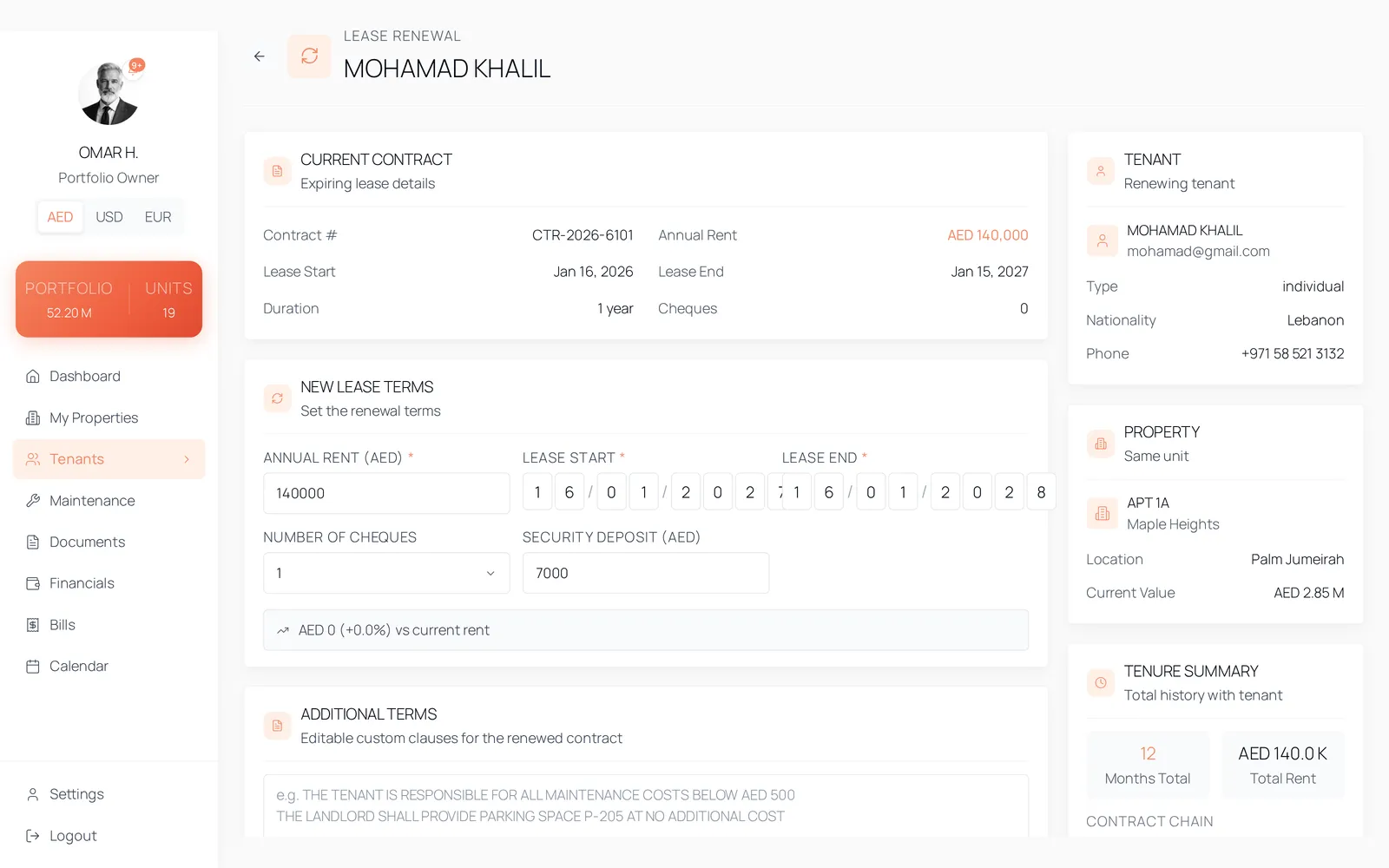
Renewal starts from the contract you already have
A renewal opens pre-filled from the current contract, writes a new one carrying the previous contract's id, and marks the old contract expired rather than overwriting it. The new contract starts with its Ejari status pending and its tenant signature pending, because both are genuinely outstanding again.
The details
- Ejari fields
- Ejari number, status, certificate file, file name, source and upload date — all stored on the contract.
- Ejari status
- pending until a number is recorded, registered once one is. Set on onboarding and on upload.
- Contract statuses
- active, expired, terminated. Renewal expires the old contract; a completed move-out terminates it.
- Generated or uploaded
- A manual upload marks the contract's source manual, and the stored file becomes the contract everywhere — it is never regenerated behind your back. Removing the upload reverts to the generated document.
- Render cache
- A generated contract is rendered once and cached at contracts/<id>/renders/<fingerprint>.pdf. The fingerprint is a SHA-256 of the contract's canonical inputs, so any change to the data, the addendum or either signature produces a new document instead of serving a stale one.
- Signatures
- Lessor signature and timestamp; tenant signature, status and timestamp. Tenant signature status is pending or signed.
- Storage
- Private buckets. Every contract, certificate and receipt is opened through a signed link that expires an hour after it is issued.
Questions
No. Registration stays with the authority. What lives here is the Ejari number and the certificate, stored on the contract beside the tenancy agreement, so the whole file sits with the unit.
See it with data in it
The demo opens instantly, in the role this workflow belongs to, on sample data. There is no account to create and no form in front of it.